
Bengaluru · The game
How to play
Open it in a browser and press Play. No download and no account. Chrome, Edge or Safari on a laptop is best; a recent phone works too. It needs WebGL 2, which most browsers have.
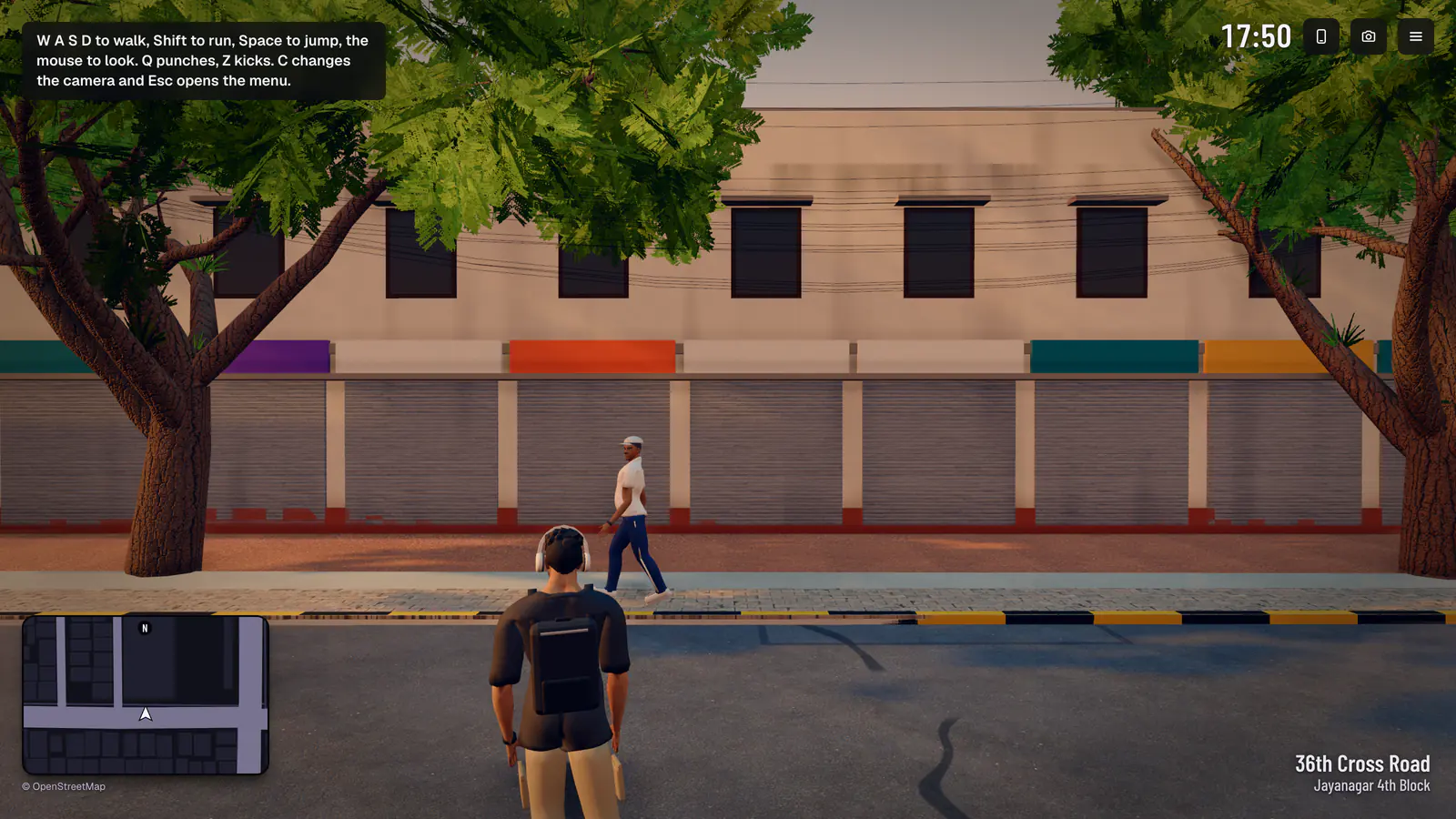
Start
Three steps
- Press Play
The title card, then you are on a Jayanagar pavement. The game picks its quality from your machine and steps it down rather than drop frames.
- One prompt at a time
The line at the top of the screen says what you can do where you stand, and which key does it. Everything else is in the menu.
- Sound on your first click
Browsers start sound only after a click or a tap. It sits under the visuals and has its own switch.
Keyboard and mouse
Every key
Read from the game's own code, not from memory. A cheat code is typed anywhere outside a text box.
| W A S D and the mouse | Walk and look. The arrow keys walk too. |
|---|---|
| Shift | Run. A sprint tires you. |
| Space | Jump. |
| C | Change the camera. |
| E | Whatever the prompt on screen says: walk into a shop, order, collect, sit for a haircut, take a test ride, take a metro token. |
| F | Get on a scooter or into a car, board a metro train, sit down. |
| T | With a waypoint set: call an auto, then get in when it arrives. |
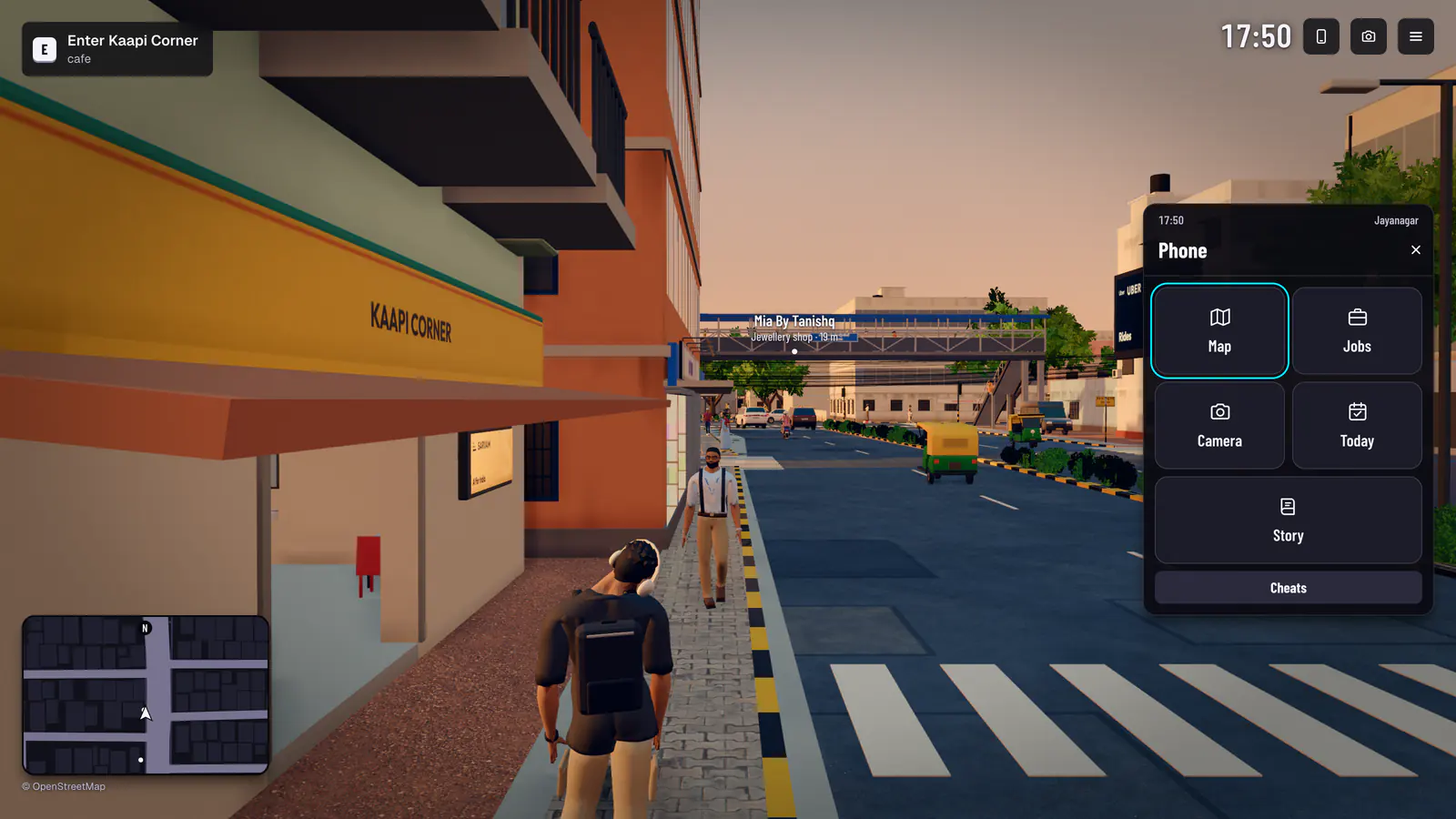
| N | The phone: the map, jobs, the camera, today, the story and the cheats. |
| M | The map. |
| G | Push whoever is in front of you. |
| Q · Z | Punch · kick. The street reacts, and so do the police. |
| P | Photo mode. |
| Esc | Close whatever is open; with nothing open, the menu. |
| W S | Accelerate · brake, then reverse. |
|---|---|
| A D | Steer. |
| Space | Handbrake. |
| H | The horn, for as long as you hold it. |
| C | Change the camera. |
| R · Shift R | Next radio station · the one before. |
| , · . | The song before · the next song. |
| F | Get off or out. |
N
The phone
Jobs that pay game points, the map, a camera, today's challenges, the story's chats and a screen for cheats. Game points are not money and buy nothing outside the game.
Touch
On a phone
The same game, under your thumbs. The less common actions wait under More.
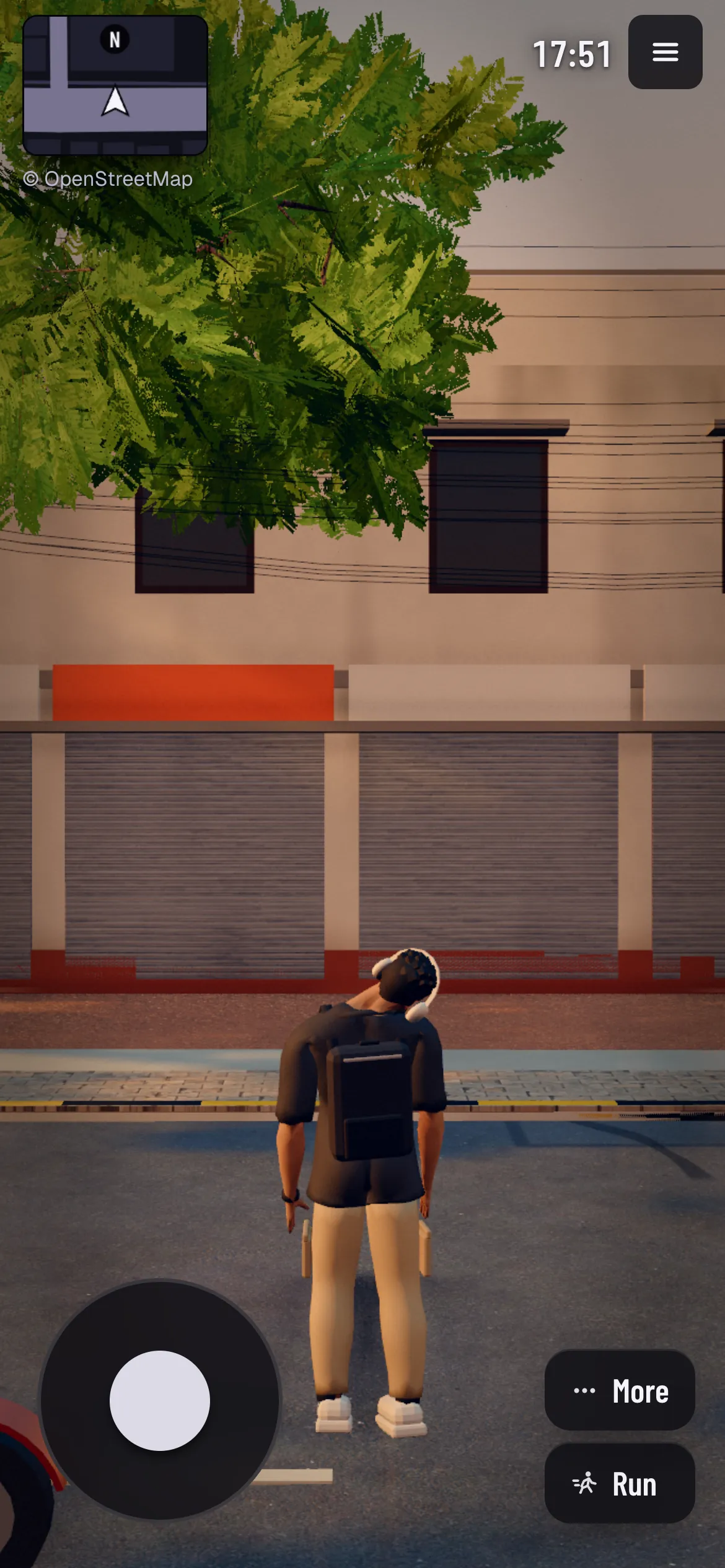
| The stick | Bottom left: walk, or drive. |
|---|---|
| Drag | Anywhere else on the screen: look around. |
| Run | A toggle, so one thumb is free to steer and look. |
| Punch | Only while someone is in reach. |
| Brake · Horn | At the wheel. |
| Camera · Phone | Change the camera, open the phone. |
| More | Jump, kick, inspect what is ahead, push someone in front. |
| The prompt | The line at the top of the screen is a button too: tap it to do what it says. |
Game controllers are not supported yet.
Trouble
If it will not start
The usual cause is a browser or a graphics driver without working WebGL 2. Update the browser, or try Chrome or Edge. On a slow machine the city lowers its own quality rather than stutter.
More on the help page.